How to add an awning configurator to your website
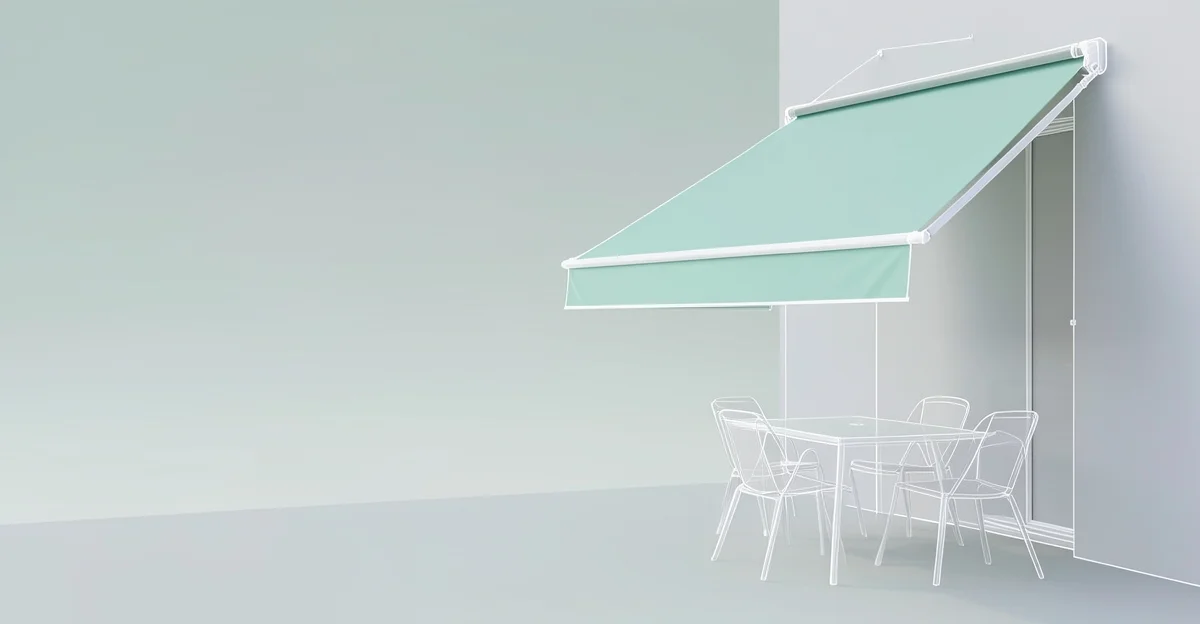
An awning configurator lets a customer set the type, the width and projection, the fabric, and the operation, then send a quote request with the full specification attached. You stop guessing what someone means by "a sun awning for the patio" and start receiving leads that name the model, size, and fabric.
Awnings are sold on the fabric. Colour and pattern are the decision the customer cares about most, and they are also where most disputes start. Letting the customer pick the fabric in 3D removes the surprise.
What the buyer configures
| Choice | What the customer picks |
|---|---|
| Type | Full cassette, semi-cassette, or open folding-arm |
| Size | Width and projection, within the limits you set |
| Fabric | Colour and pattern, shown on a real fabric swatch |
| Frame colour | RAL or your standard palette |
| Operation | Manual crank or motor, with optional remote |
| Extras | Wind sensor, LED in the arms, valance |
Most awning disputes start with the fabric colour. Let the customer choose it in 3D and the colour is no longer a surprise on the day of fitting.
Why show it in 3D rather than a fabric card
A printed fabric card shows the colour, but not the awning. The customer cannot tell how a stripe will read across a four-metre span, or how the cassette will sit against their wall. A configurator shows the fabric on the actual structure at the actual size, so the choice is made with the full picture.
What you need to go live
You need a 3D model of your awning in GLB or glTF format, plus your fabric range as textures. The platform wraps the model with the option controls and a quote-capture form.
CPQ3D works with your model through a single script tag on your product page. No subscription, and the first 10 quote requests are free. Volume packs start at €3.50 per request. There is no demo call required to start.
The short version
- Lead with the fabric: it is the decision the customer is making.
- Show real colours and patterns on the actual structure, at size.
- Offer motorisation and extras as options, and set width and projection limits.
Common questions
Can I show my actual fabric range? Yes. Each fabric is a texture in the model, so the customer sees your real colours and patterns, not a generic swatch.
Can motorised and manual both be options? Yes. Operation is a standard option, and you can add remote or wind-sensor choices.
Does the size affect the price shown? You set the size limits in the configurator. Final pricing is handled in your follow-up quote, with the exact dimensions already attached.
See the quote-request flow working end to end: try the live demo.
See what a configurator like this costs, and try one in your browser.